For Your Snapshot Buildout Request,
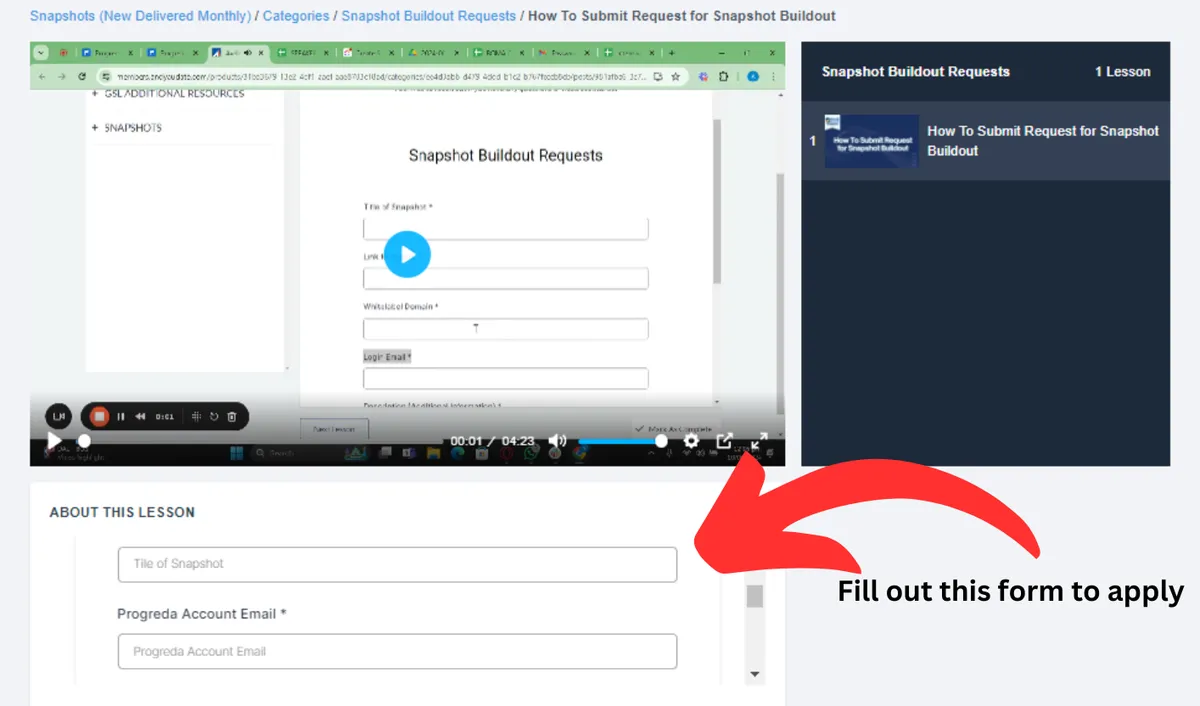
Fill Out The Form To Apply
Watch Video Instructions
How To Submit A Snapshot Buildout Request
1) Login to your membership account and go to Snapshot Buildout Request.
2) Watch the video on how to fill out the Snapshot Buildout form with correct information
3) Fill out the form according to the instructions in the video.
4) Our Team will respond with the confirmation of your request and the ETA of your request completion.
Tip: Make sure to watch the video on the snapshot buildout request to ensure that you provide us with the correct information,
Refer To The Picture Below
Go To The Snapshot Buildout Request in your membership account and fill out the form to apply